Latest Posts

Tuesday, 8 October 2013

Leaked Service manual shows spec for Latest Nexus smartphone

 nexus-5-leak-123-big.jpg

Detailed Specs For Next Nexus Smartphone

The new Nexus will likely be available in 16 or 32GB variants, and will feature an LTE radio and an 8-megapixel rear camera with optical image stabilization (there’s no mention of that crazy Nikon tech, though).
 NFC, wireless charging, and that lovely little notification light are back, too, but don’t expect a huge boost in longevity — it’s going to pack a sealed 2,300mAh battery, up slightly from the 2100mAh cell that powered last year’s Nexus 4. 
That spec sheet should sound familiar to people who took notice of what happened with the Nexus 4. 
Just as that device was built from the foundation laid by the LG Optimus G, the Nexus 5 (or whatever it’s going to be called) seems like a mildly revamped version of LG’s G2.

will you buy your new  nexus smartphone with this specs? comment below and share
more »

Saturday, 5 October 2013

Market Watch-Best 5 cases For Your Nexus 4

Ballistic Shell Gel SG Series Case

It’s a little chunky, but this case from Ballistic offers triple layer protection. It is shock absorbent, with special reinforced corners which are ideal for keeping your Nexus 4 ticking after drops. The cut-outs are perfect – no interference on the camera. It won’t slide easily when laid down, and the raised front edges keep the screen from touching surfaces. The rubber feel is also great for grip and comfortable to hold, but you might find that pocket dust sticks to it.
Price: ($35)
 

Rearth Ringke Fusion Case

You can get protection from scratches and minor drops without compromising the unique style of your Nexus 4. This case combines tough polycarbonate with malleable TPU, and it features a clear back plate so you can see the back of your smartphone. It fits well, there’s a lip to guard the screen when placed face down, and it has a really slim profile. The button covers make presses a little stiff, but overall it’s a nice unobtrusive option.

Price: ($14)

Official Nexus 4 Bumper

This is about as simple as they come. The official bumper from Google is obviously a perfect fit and it has built-in buttons and cut-outs for the ports. The raised front and back lips ensure that the screen and the glass back are protected whichever way down you place the Nexus 4. There’s nothing much to it, and it won’t offer much protection, but it’s a step up from no case at all.

Price:($20)

Boxwave True Bamboo Minimus Case

Bamboo is an environmentally friendly material to use for a case and this Boxwave offering combines it with hard plastic which repels dust and fingerprints. It’s slim, it’s lightweight, and it snaps on easily. You’ve got the full range of cut-outs for unhindered access. It should give basic protection against bumps and falls, and you can get it with the plastic surround in black or white.

Price:  ($25)

Bear Motion Premium Polio Case

Made from polyurethane rather than real leather, this wallet style case has a snap button closure. On the inside left you’ll find a couple of slots for credit cards and a plastic windowed slot that’s ideal for an ID. You can also fold the case so that it doubles up as a landscape view stand. You can choose from seven different colors.

Price:  ($12)

That’s all for Nexus 4 cases, but feel free to make recommendations in the comments.

more »

Friday, 4 October 2013

Best Android apps of September

Silent Text


Communication encryption company Silent Circle released a version of its text message privacy app Silent Text for Android.
The app allows subscribers to Silent Circle, a service that costs around $10 per month, to route encrypted calls, messages and attachments through their Android handset without logging the usual metadata associated with those communications. Attachments can be up to 100MB and of any file type.

Music Maker Jam

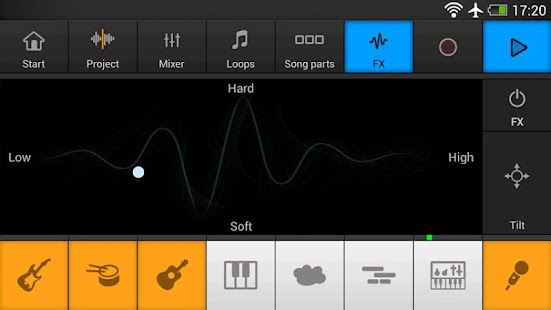
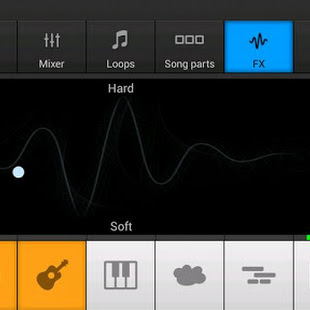
Music Maker Jam for Android is an incredibly fun way to mix and make music, courtesy of Berlin-based developers Magix.
The app takes a more playful approach than the professional suite available for PCs, and it’s clearly aimed at novices looking to mess around with different sounds and mixes, rather than those wishing to create a smash hit. But it is fun nevertheless, and could get very addictive.
You get access to around a thousand loops from four different genres: Hip Hop, Dance, Electric Jazz, and Rock Ballads. If Dubstep, Techno, Rock Pop or other genres take your fancy, you can buy more for around $1.99 each.

Moves


Moves, the highly-acclaimed activity and location-tracking app , finally launched on Android this month.
As with the iPhone version, Moves for Android keeps a log of where you go and how far you walk, run and cycle, presenting the data in a simple, useful way. In terms of features, the Android version is a little behind the iPhone incarnation, which recently gained support for connecting third-party apps, and last week added user accounts, meaning that users can change device and keep their data. These will come to Android soon though.

Simplenote 


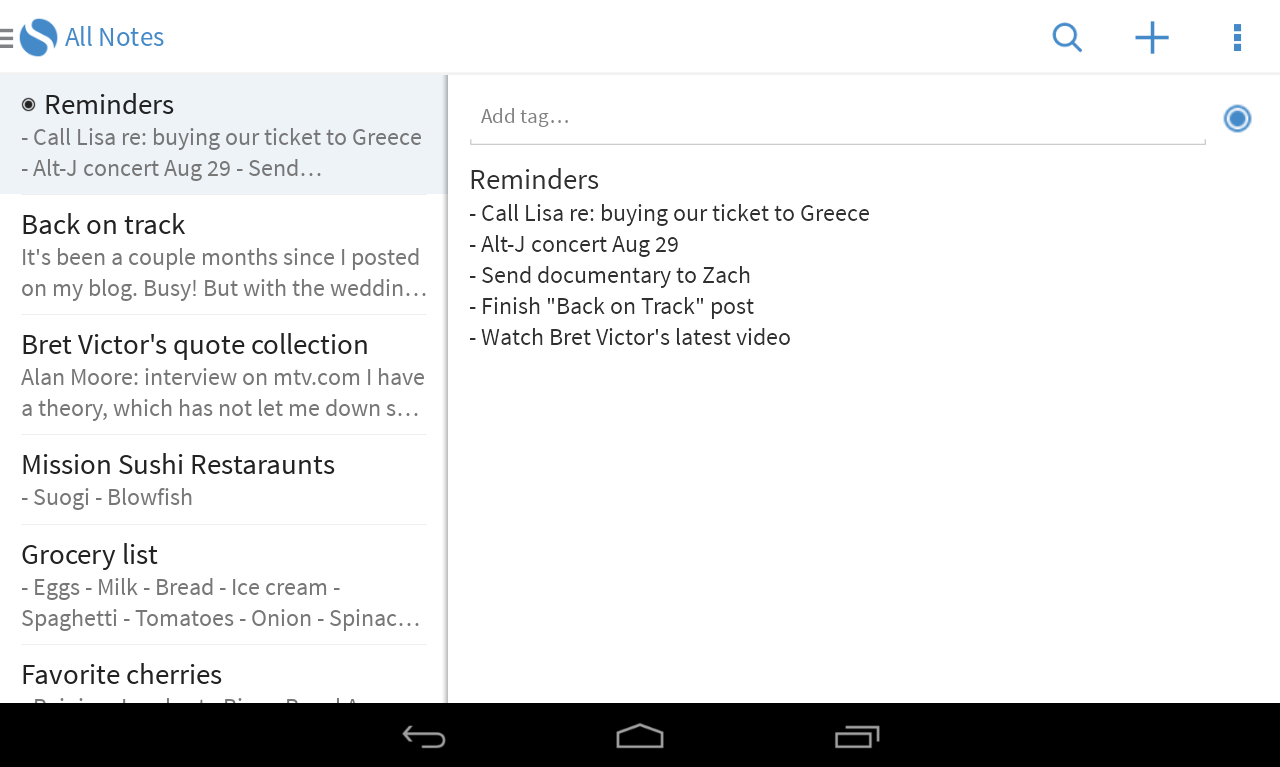
Simplenote, the popular productivity app acquired by WordPress-owner Automattic earlier this year, finally landed on Android
Like the iOS version, the Android app is free, but those who download it can get started from the get-go, without the need to create a Simplenote account. Users who do go to the trouble of signing up or logging in, will see their notes synced and maintained across the iOS, Kindle and Web versions of the service.

Hotspotio

Screenshot 24 16 of the best mobile apps released in September


Hotspotio for Android allows users to share their own, or use others’, Internet connection in exchange for public gratitude.
Once installed, you simply select which network you’d like to connect to from ones that are available, or can choose to share your own via your mobile device by using it as a WiFi hotspot.

Foap


Screen Shot 2013 09 27 at 17.56.33 220x390 16 of the best mobile apps released in September Screen Shot 2013 09 27 at 17.56.55 220x390 16 of the best mobile apps released in September

Social photo app Foap landed on Android this month, letting users monetize their mobile photos.
Following its launch on iOS last year, and maintaining the same core experience, the Foap Android app lets users list their snaps for $10 each (split 50/50 between Foap and the user), providing they garner an approval rating of 2.5 or higher from other Foap users.

Chirp
Chirp, the app that lets you share links and photos using short bursts of  ‘digital birdsong’, finally landed on Android this month.
Rather than sending pictures via messages, emails, social networks or storage services like Dropbox, Chirp lets you send links to webpages, pictures and other content to multiple people at once, provided they also have the Chirp app installed and active.

FIFA 14

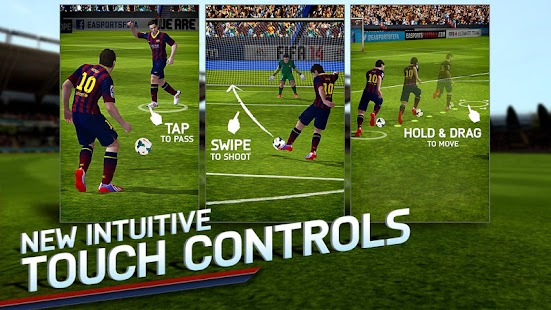
Are you a soccer fan? If yes, then you should definitely try out FIFA 14. Developed by EA, the icing on the cake is that this game is available for free on Android and iOS platform.
Last year, FIFA 13 was available at a price of $6.99, but thankfully to try out FIFA 2014, you won’t need to shell out a single penny. The game will be targeting the revenue from in-app purchases such as FIFA points, premium unlock, and more.

Do you Think we Missed you favourite from the list comment below And share it!


more »

Thursday, 3 October 2013

4 must have Privacy Apps on Android

Hide Pictures - KeepSafe Vault
Videos and pictures are most private in nature and this application is specifically meant to keep them secure. You can set aside pictures that are not of a private nature and hence would be available for others to see while the selected pictures can only be accessed after using a user-generated password. The application is simple - just select pictures and videos that you want to hide and they will then vanish from the Gallery of your Android smartphone and stay locked in the Keep Safe. You can only access those once you key in the PIN. It also has an innovative feature called Fake Pin which would protect you from people who will force you to open the app. Choose a second PIN that opens a fake KeepSafe where you can put pictures you are ok for others to see. No one knows you have a real KeepSafe PIN

Privacy Master - Free App Lock
Many times we have applications that are a little too sensitive for everyone to access, but it is very difficult to monitor that especially around nosey relatives. Privacy Master - Free App Lock simply locks the apps and one can only access them if they have the password. One can lock any application including settings and even messages. The application also allows users to trigger a fake app crash prompt so that when trying to open an app the other person will get a crash prompt. The app is very light on resources and never fails and that is what the best part about this application. The popularity of the app is palpable from the fact that over five lakh of its 6.28 lakh users have given it a five-star rating so far.

Lock for WhatsApp Keep privacy
WhatsApp is currently one of the most popular messaging applications used globally. It is quite possible that you have a few contacts and chats that you don't want other people to pry on. One can use a normal application locking utility but it would be a pain to unlock the application every time a new message arrives. Since WhatsApp doesn't come with any built-in freature like this, Lock for WhatsApp is the perfect tool. It allows users to lock the application on demand. But at the same time it comes with a timed lock feature that makes the lock unavailable for a specified time so that users don't have to unlock the app every time they get a new message.

Shady Browser
Say you want to keep your browsing history a secret, While browsers have an incognito mode, there is always a chance that you might forget to turn the feature on. Shady Browser, however, comes with a password that is required to get inside the browser. Also, history and browser bookmarks are also securely hidden. The browser supports most features included in the native Android browser along with support for multiple tabs as well as a dedicated download manager. The browser at present does not support video playback within the application itself but the developer is working on the feature. Shady Browser supports flash, but the plug-in needs to be installed on the device.


more »

Tuesday, 1 October 2013

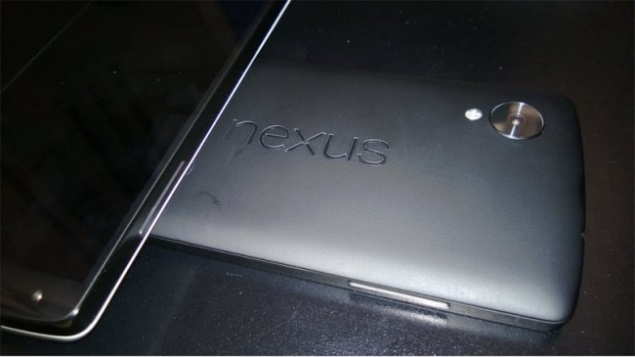
Clear Image of Rumoured Nexus 5


 Clearest Image Of Nexus 5

nexus-5-leak-123-big.jpg

The member claims the leaked images shows the new Nexus 5. The forum member further reveals that the rumoured Nexus 5 is smaller in size than LG's current flagship, the G2, and it apparently also features smaller bezels.

Earlier this week, an alleged Android 4.4 KitKat log file was leaked, apparently revealing specifications of the rumoured Nexus 4 successor, thought to be called the Nexus 5. The log file revealed the device running 'Key Lime Pie' with build number KRS74H. 

             you might also like: 
         Leaked Images of Android 4.4 Kitkat


The rumoured Nexus 5 is expected to come with a 5-inch display (precisely 4.97-inch) with full-HD resolution, boasting of a 442ppi pixel density. It is likely to be powered by a quad-core Snapdragon 800 processor along with 2GB of RAM and 16GB of inbuilt storage. As for the optics, the device is said to sport an 8-megapixel rear camera and a 1.2-megapixel front-facing camera.

will you buy the next nexus with rumoured  specs ? comment below and share it!
more »

Thursday, 26 September 2013

Bug in Gtalk And hangouts


Google's Hangouts/GTalk messaging system is currently experiencing a glitch where messages are being incorrectly delivered to unintended recipients.
Several users have found that since around 4pm  this afternoon, messages sent over Google Hangouts and GTalk have been sent erroneously to the wrong recipients.
There appears to be no pattern to who is receiving the messages by mistake, or who the glitch affects.

including those that have not yet switched over to Google's new Hangouts platform. Messages appear to be visible on the mobile version of Hangouts. There is no indication that the messages are being received by a third party.
more »

Wednesday, 25 September 2013

5 Apps you dont want to miss!

The Latest edition of android apps that must be intalled!

Quickoffice

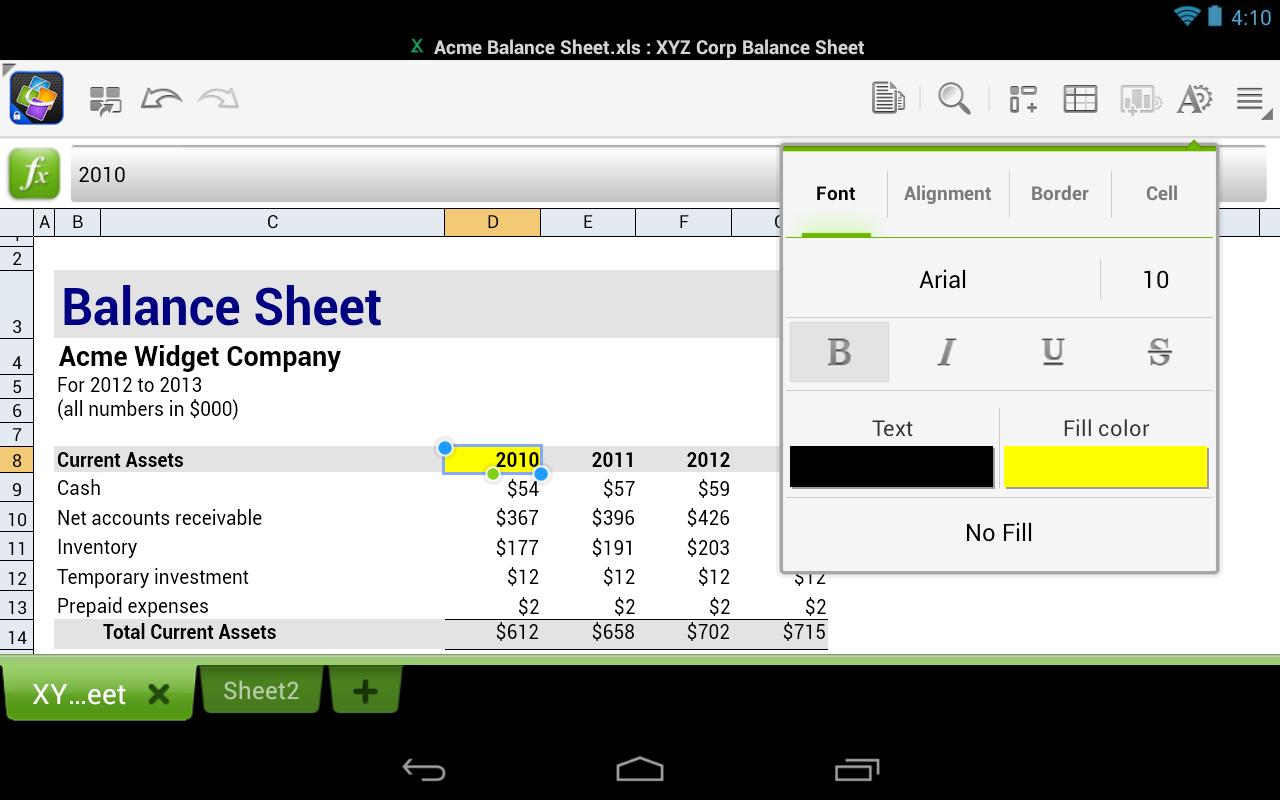
Google made Quickoffice free for iOS and Android this week. The app lets you create and edit Microsoft Office documents, spreadsheets and presentations on your mobile device. Work can also be saved in Google Drive.


Cloudy With a Chance of Meatballs 2

This week, PlayFirst, in cooperation with Sony Pictures Consumer Products, announced the mobile game for Cloudy With a Chance of Meatballs 2, an addictive arcade game featuring characters from the film. Best described as a cross between Candy Crush and Bejeweled, the object of the game is to select groups of three of more foodimals on the screen as fast as you can. Each round of the game is 60 seconds in length and comes with its own unique obstacle. 


Pandora® internet radio

Pandora is free, personalized radio that plays music and comedy you'll love. Just start with the name of one of your favorite artists, songs, comedians, or composers and Pandora will create a custom station that plays similar tracks. Pandora features hundreds of music and comedy genre stations ranging from Dubstep to Smooth Jazz to Power Workout.


Chrome

The newest version of the app ties together the browser and other Google apps on your device. So if you’re signed into Chrome, you can sign into other Google apps simply by specifying which Google account you'd like to sign in with — rather than entering your username and password information again. Also, links in Chrome now open directly in Google Maps, Gmail, Drive and YouTube. 


Madden 25

This week also saw the arrival of Madden 25 for Android. Optimized for Android tablets, the game lets you build your ultimate team and compete in NFL-style football games on your favorite Android device.


Think we left one off the list? Tell us about your favorite apps from the week in the comments.

more »

How to create a list of your Android apps?


Having a list of the apps on your Android device can be helpful at times, for yourself and for others. Maybe you're setting up a new device and can't remember all the apps you've installed or someone you know has asked you for app recommendations for their new Android phone. You could go directly to your list of apps on Google Play, but that list can contain apps you've downloaded, then uninstalled.


"A list of your Android apps can be a helpful reference. With List My Apps, you can easily create a list and share it with others. "

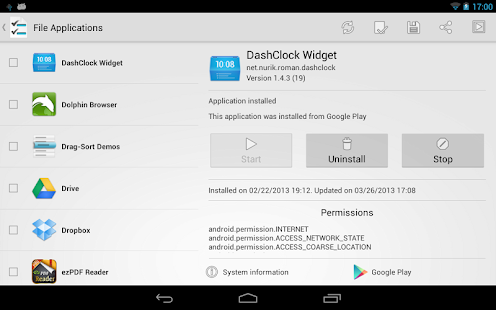
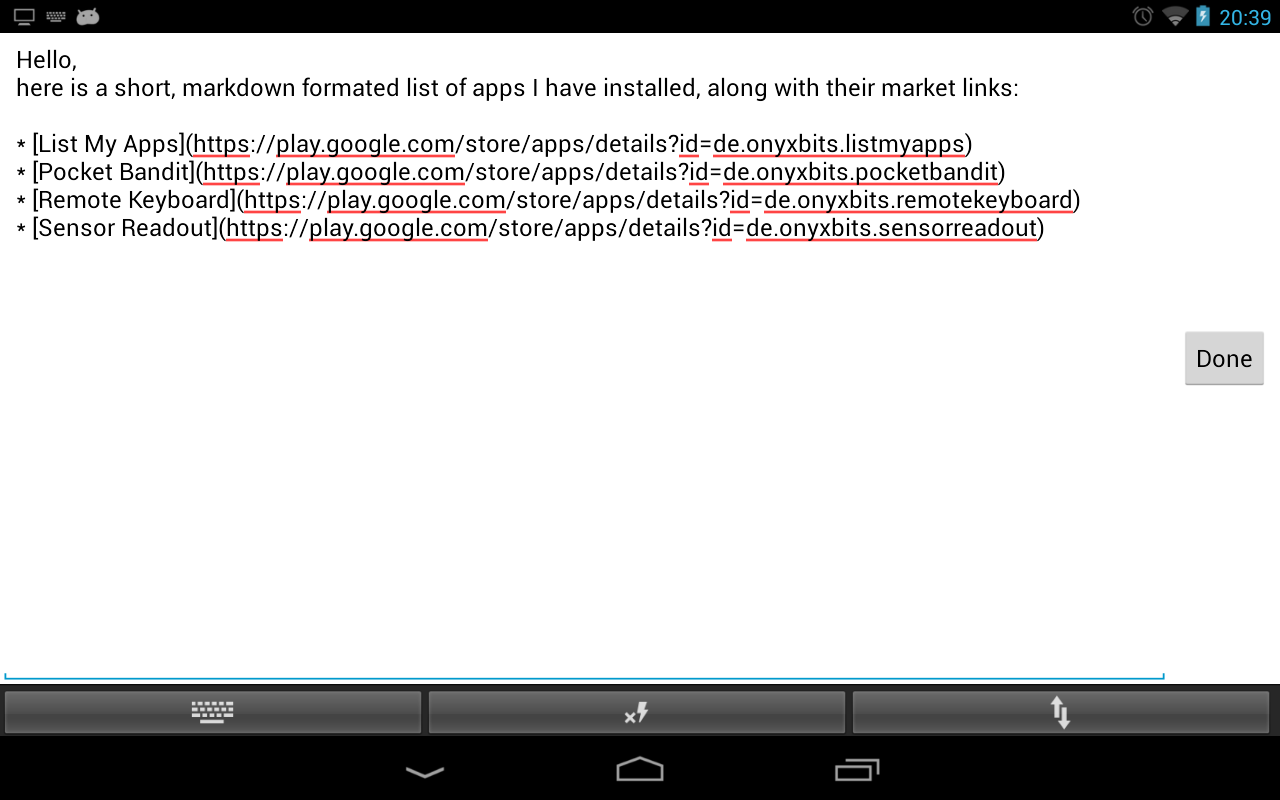
To get a current list of apps installed on your Android device, use a new app called List My Apps. When you launch List My Apps, it automatically gathers a list of the apps installed on your Android device. As GHacks notes, List My Apps only lists the apps you've installed, not the system apps that came preinstalled. To create your list, select the apps you want to include, then choose whether you want to copy the list as plain text, HTML, BBCode, or as a Markdown list. The last three options all include direct links to the apps in the Google Play store.

List My Apps for Android

 When you're ready to copy your list to the clipboard, tap on the clipboard icon at the top, then paste it to an e-mail, Evernote, or some other app you prefer to use. You can also tap on the share icon if you want to share it on social media.

If you don't want to select every app on the list individually, tap the menu key to bring up the "select all" and "deselect all" options.


more »

Tuesday, 24 September 2013

Happy Birthday Android !


If you were to randomly wake me up one day and tell me that today is Android’s (and the T-Mobile G1 that held the honors of being the very first Android device) 5th birthday. Has it really only been 5 years?
 A lot has changed, folks, and Android is no longer an infant.
It’s grown into a fine, stable and beautiful mobile operating system that is used to power not just phones, but tablets, set-top boxes, watches, televisions, cars, cameras, home appliances and more. It’s everywhere and on everything, and it came that far in just 5 years.
We’re not sure if Android could have ever grown into the powerhouse it is today without Google, the company that took a chance on Andy Rubin’s big dream. While the original godfather of Android is no longer with that particular team, we’ll never forget his contribution to the mobile world.
Android is still striving without Rubin, though. It’s because of its maturation that Rubin was finally able to let go of the reigns and let the awesome team that has been built around Android continue the movement. It started with one device, and now has been activated on more than a billion worldwide (and that number is growing every single day). Here’s to many, many more.

One billion activated phones since then, and Android is a completely different—and damned mature—animal. From its humble beginnings on an OK phone, Android has branched out to cameras, watches, even refrigerators. And there's no end in sight. 
more »

Monday, 23 September 2013

Leaked Images of Android 4.4 Kitkat


Many smartphone users are eagerly awaiting the next version of Google's Android OS officially called KitKat. Since the company announced Android 4.4 KitKat, there have been speculations on the features and the UI that the new OS will bring in. Now, has leaked images which it claims provide first look of the new OS.


 The alleged screenshots provided by a user show a revamped phone dialer and messaging apps on KitKat. The phone dialler appears to sport a lighter colour scheme in comparison to the dark one in Jelly Bean. There is also a new keyboard design and the status bar too seems to have lighter colour scheme for the icons, which seems to be varying depending on the application that is in use that time.

The messaging app too seems to have undergone a change with the icon on the main menu resembling a Google+ icon. The main app has seen its controls get shifted to the top right instead of the bottom setup that is there in the current Android version.

Tech junkies are speculating that there will be significant changes in the 4.4 version. However, the alleged screenshots don't show any functionality changes.


Android 4.4 Kitkat is expected to be released in October along with Nexus 5. Rumours also suggest that the updated version of Nexus 10 too would sport the new OS.
 
more »

Friday, 20 September 2013

Top 5 free Android Home Screen launchers


week’s top 5 Free Android launchers are:
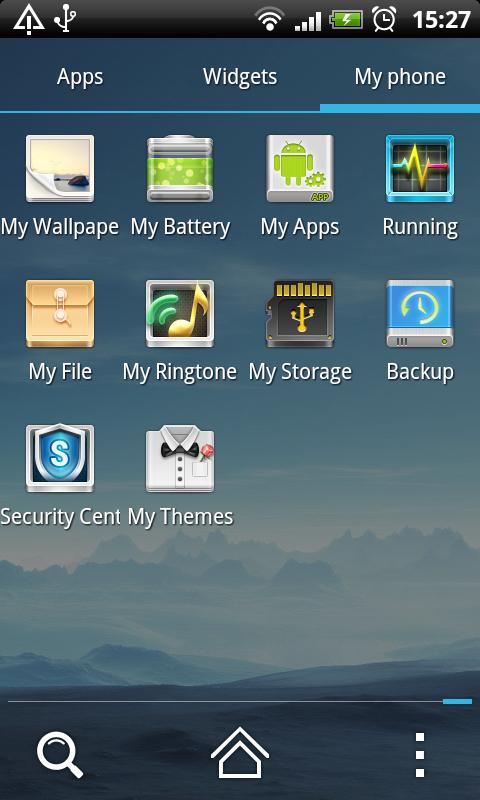
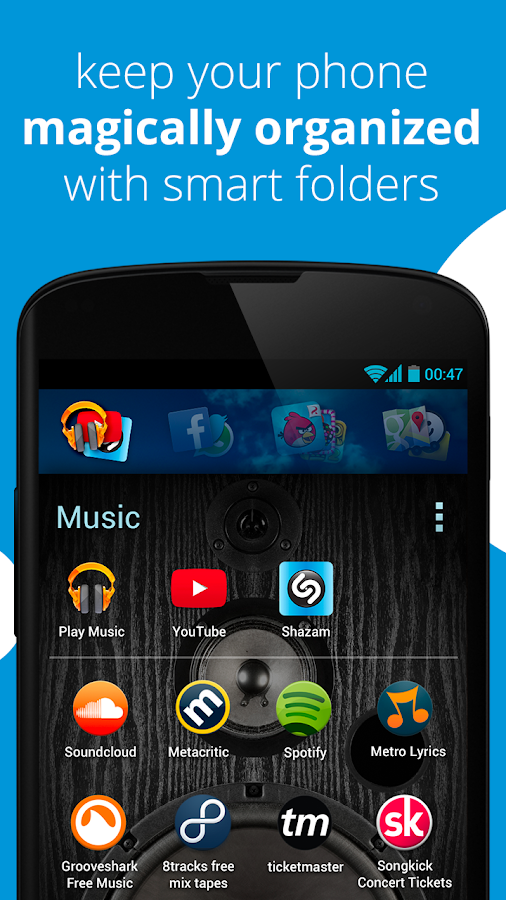
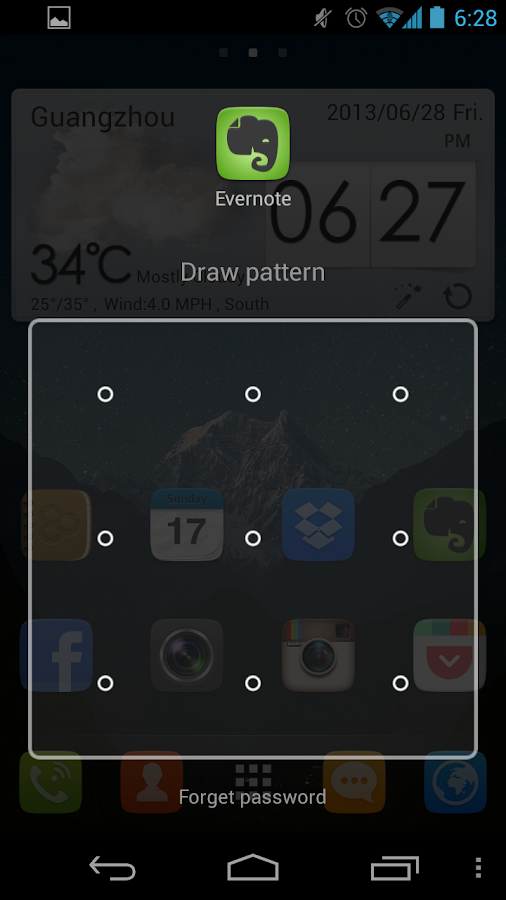
if you are unfamiliar with launchers, they are third-party applications that install over your stock Android home screen to give you a different look and feel. They bring boundless customization options to the table in an effort to spice up the sometimes basé home screen.

91 Launcher (free): Aside from the 91 built-in themes (hence the name) this launcher provides wallpapers, new page transitions, and quick drawer transitions. It has the typical widgets pre-installed like the clock and weather, but it also offers extended widget options like a flashlight and one-key garbage cleanup.

Buzz Launcher (free): One of the more stylish launchers on the list, Buzz Launcher’s biggest feature is the sharing, creation, and application of home screens. There are over 80,000 screens to choose from and one-touch upload for your own creations, and it is compatible with other customization apps.

Everything Home (free): Do not be put off by the fact that Everything Home is still in beta: this is the freshest new face on the block. If you type in sushi, your phone will instantly display relevant locations, apps, and themes. This same seamless adaptation applies to everything, even James Bond.


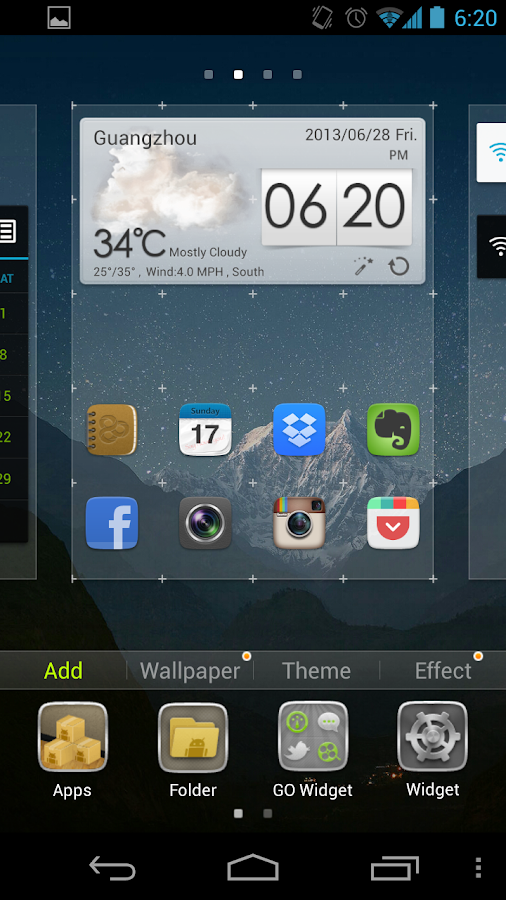
Go Launcher EX (free): This Android launcher has been around since the beginning and is currently the choice of over 100 million users. Enjoy buttery screen transitions, the 15 perfected widgets, and the over 10,000 built-in theme customization options.


Launcher 8 (free): Launcher 8 turns your Android home screen into the dynamic interface showcased on Windows-powered devices. You can add the live tiles like a Windows phone, but you can breathe life into the typical blue background by theming it woody style, or adding widgets as tiles.


more »

Quickoffice mobile app now free for everyone


Google's Quickoffice apps for iOS and Android, that let users view and edit Microsoft Office files, are now free to anyone with a Google account.


Google is trying to make it easier for everyone to work together, even those who "haven't gone Google yet."
The company on Thursday announced that its Quickoffice mobile app, for viewing and editing Microsoft Office files, is now free to anyone with a Google account. Previously, the app was only free to Google Apps for Business subscribers -- everyone else had to shell out $14.99 for the pro version or $19.99 for the pro HD version.
As a bonus, Google is offering an extra 10GB of Google Drive storage for the next two years to anyone who signs up their Google account for the new Quickoffice app by September 26.


Quickoffice for iOS and Android lets users create, view, and edit Microsoft Office Excel, Word, and PowerPoint files on their mobile devices. The app is also integrated with Google Drive so files can be stored and accessed across devices.
Google added a few new features to the app as well, including the ability to create ZIP folders and view charts in PowerPoint and Excel. Google said people already using Quickoffice for Google Apps for Business can update to the new app.
Google acquired Quickoffice in June 2012 and has been expanding its availability ever since. While the company is clearly investing resources in the software, its long-term goals still appear aimed at transitioning people to using its Web-based productivity tools.
"Converting old files to Google Docs, Sheets and Slides is still the easiest way to share and work together, and we're working every day to make the files you convert look better," Alan Warren, engineering VP of Google Drive, wrote in a blog post.

more »

Thursday, 19 September 2013

How to install apps outside of Google Play

Google has removed apps from the Play store for a number of reasons, the most common being that they violate the company's policy. Once an app is removed, however, all hope isn't lost.
 
Here's how to do it:
Setting up your device
From your smartphone or tablet running Android 4.0 or higher, go to Settings, scroll down to Security, and select Unknown sources. Selecting this option will allow you to install apps outside of the Google Play store. Depending on your device, you can also choose to be warned before installing harmful apps. This can be enabled by selecting the Verify apps option in the Security settings. 


On devices running an earlier version of Android, go to Settings, open the Applications option, select Unknown sources, and click OK on the popup alert.
Downloading an app
The next step will be finding an Android package file, also known as an APK, which is the way Android apps are distributed and installed. This is where some people usually run into trouble. Never, and I mean ever, use sideloading as a way to pirate applications; doing so will likely result in your Android device getting a virus. You should only download APK files from trusted developers and companies.
For example, Grooveshark, a free online music streaming service, previously had an app in the Play store. After a dispute with Google, however, the app was removed. Grooveshark now offers the app on its Web site for users to sideload. 

The process
You can either download the APK file on your mobile device or on your computer, although the latter is a little more difficult. To get started, download an APK file using either Google Chrome or the stock Android browser. Next, go to your app drawer and click Downloads; here you will find the file you just downloaded. Open the file and install the app. 

If you downloaded the APK file on your computer, the process is slightly different. You must connect your Android device to the PC and enable USB mass-storage mode. The next step is to drag and drop the file onto your device. Then, using a file manager, such as Astro or ES File Explorer, you can locate the file on your device and install it.

Remember to be careful when downloading apps outside of official Android marketplaces like Google Play and Amazon's Appstore.


more »

Wednesday, 18 September 2013

Best 6 puzzle addictive game


Dots

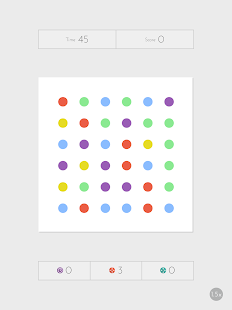
 One of the new hottest mobile games, Dots follows the Candy Crush formula of matching three or more objects together. This deceptively simple-looking game asks players to remove as many dots as possible by connecting them with lines or by forming a square. Be forewarned, it will have you hooked in minutes.
It is available in both the Apple App and Google Play stores. 


10000000 (Ten Million)


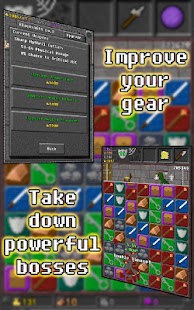
If Candy Crush's plot isn't enough to hold your attention, 10000000 might meet your narrative needs. As you slide lines to create combos, your character avoids obstacles, unlocks treasure chests and fights monsters. It’s a puzzle game and dungeon crawler all wrapped up in one.
It is available in both the Apple App and Google Play stores. 

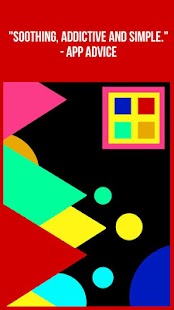
Color Zen

If you’re looking for a more relaxed and tranquil puzzle game, look no further than Color Zen. The game invites players to sit back, enjoy some calming music, and tap colored shapes together to make them explode across the screen. With bright colors and classic designs, this game proves that simplicity is beauty.


It is available in both the Apple App and Google Play stores. 

 Puzzle and Dragons

A mix of the puzzle and RPG genres, Puzzle and Dragons lets you fight mythical monsters by matching rows of colorful orbs. You can collect monsters, form a team and even raise baby dragons to go to battle as you play. With fantastic art design and challenging gameplay, what’s not to love about this app?

It is available in both the Apple App and Google Play stores. 

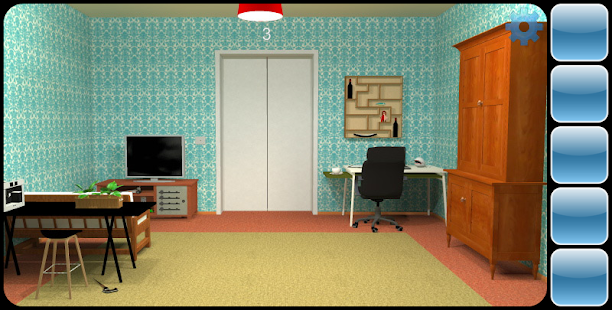
Can You Escape


The premise is simple: you must attempt to escape the room you’re placed in. With clues, keys, and puzzles littered around the 3D area, the goal is to find all the necessary items to break out of your fully furnished prison and head to the next one. Can You Escape is sure to sharpen your puzzling-solving skills, just don't try and use them to escape from buildings in real life.

It is available in both the Apple App and Google Play stores. 

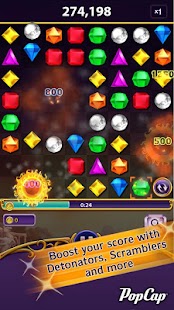
  Bejeweled Blitz


The classic Bejeweled was one of the first games to use the match three style to take the Internet by storm, so it’s no surprise one of its many offshoots is worthy to download. Much like Candy Crush, you can link the game to your Facebook and challenge your friends or play offline to beat your own personal best.

It is available in both the Apple App and Google Play stores. 


Have a favorite game that didn't make the list? Leave recommendations for fun and addicting smartphone games in the comments below.


more »

Unordered List

© 2013 Limit Less. WP Theme-junkie converted by BloggerTheme9
Powered by Blogger - Back to top