Latest Posts

Friday, 20 September 2013

Quickoffice mobile app now free for everyone


Google's Quickoffice apps for iOS and Android, that let users view and edit Microsoft Office files, are now free to anyone with a Google account.


Google is trying to make it easier for everyone to work together, even those who "haven't gone Google yet."
The company on Thursday announced that its Quickoffice mobile app, for viewing and editing Microsoft Office files, is now free to anyone with a Google account. Previously, the app was only free to Google Apps for Business subscribers -- everyone else had to shell out $14.99 for the pro version or $19.99 for the pro HD version.
As a bonus, Google is offering an extra 10GB of Google Drive storage for the next two years to anyone who signs up their Google account for the new Quickoffice app by September 26.
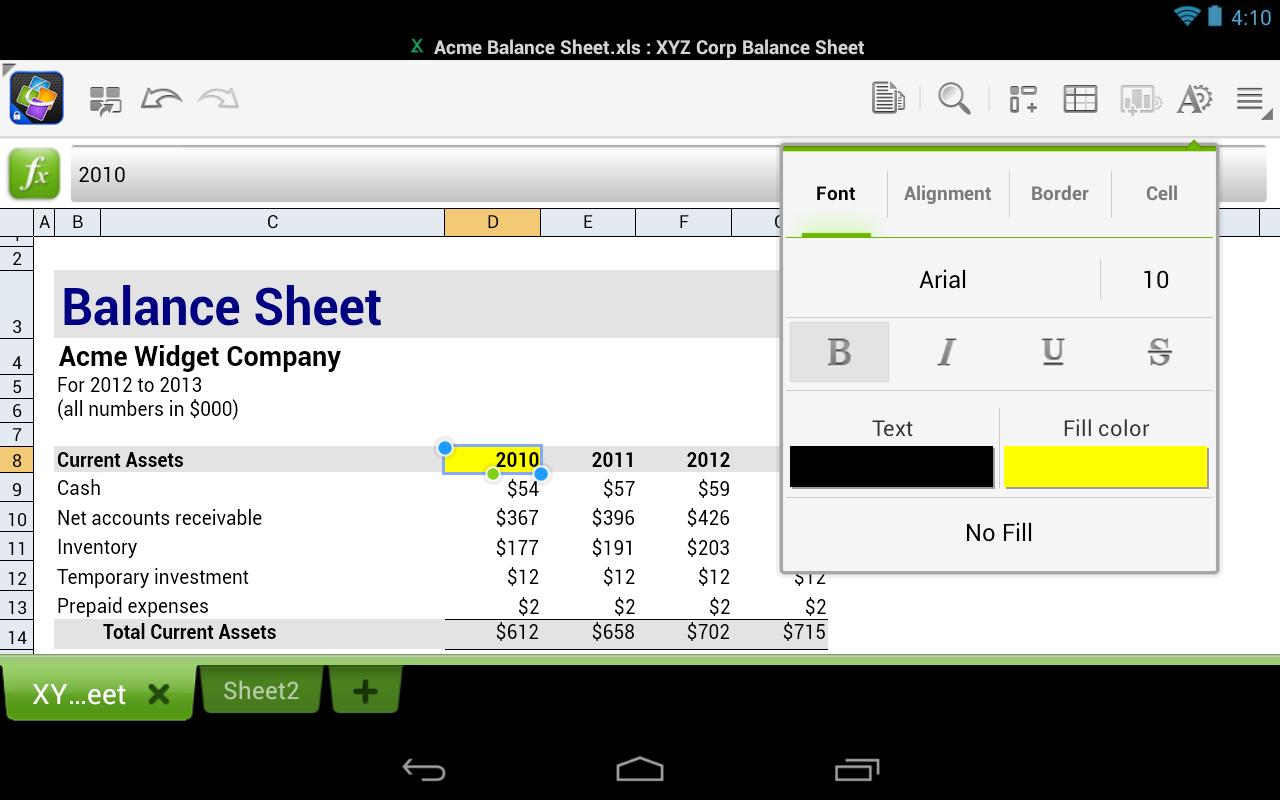


Quickoffice for iOS and Android lets users create, view, and edit Microsoft Office Excel, Word, and PowerPoint files on their mobile devices. The app is also integrated with Google Drive so files can be stored and accessed across devices.
Google added a few new features to the app as well, including the ability to create ZIP folders and view charts in PowerPoint and Excel. Google said people already using Quickoffice for Google Apps for Business can update to the new app.
Google acquired Quickoffice in June 2012 and has been expanding its availability ever since. While the company is clearly investing resources in the software, its long-term goals still appear aimed at transitioning people to using its Web-based productivity tools.
"Converting old files to Google Docs, Sheets and Slides is still the easiest way to share and work together, and we're working every day to make the files you convert look better," Alan Warren, engineering VP of Google Drive, wrote in a blog post.

more »

Thursday, 19 September 2013

How to install apps outside of Google Play

Google has removed apps from the Play store for a number of reasons, the most common being that they violate the company's policy. Once an app is removed, however, all hope isn't lost.
 
Here's how to do it:
Setting up your device
From your smartphone or tablet running Android 4.0 or higher, go to Settings, scroll down to Security, and select Unknown sources. Selecting this option will allow you to install apps outside of the Google Play store. Depending on your device, you can also choose to be warned before installing harmful apps. This can be enabled by selecting the Verify apps option in the Security settings. 


On devices running an earlier version of Android, go to Settings, open the Applications option, select Unknown sources, and click OK on the popup alert.
Downloading an app
The next step will be finding an Android package file, also known as an APK, which is the way Android apps are distributed and installed. This is where some people usually run into trouble. Never, and I mean ever, use sideloading as a way to pirate applications; doing so will likely result in your Android device getting a virus. You should only download APK files from trusted developers and companies.
For example, Grooveshark, a free online music streaming service, previously had an app in the Play store. After a dispute with Google, however, the app was removed. Grooveshark now offers the app on its Web site for users to sideload. 

The process
You can either download the APK file on your mobile device or on your computer, although the latter is a little more difficult. To get started, download an APK file using either Google Chrome or the stock Android browser. Next, go to your app drawer and click Downloads; here you will find the file you just downloaded. Open the file and install the app. 

If you downloaded the APK file on your computer, the process is slightly different. You must connect your Android device to the PC and enable USB mass-storage mode. The next step is to drag and drop the file onto your device. Then, using a file manager, such as Astro or ES File Explorer, you can locate the file on your device and install it.

Remember to be careful when downloading apps outside of official Android marketplaces like Google Play and Amazon's Appstore.


more »

Wednesday, 18 September 2013

Best 6 puzzle addictive game


Dots

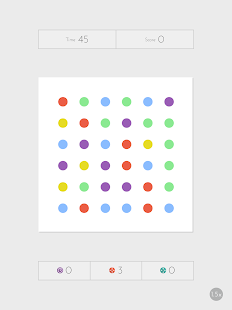
 One of the new hottest mobile games, Dots follows the Candy Crush formula of matching three or more objects together. This deceptively simple-looking game asks players to remove as many dots as possible by connecting them with lines or by forming a square. Be forewarned, it will have you hooked in minutes.

It is available in both the Apple App and Google Play stores. 


10000000 (Ten Million)


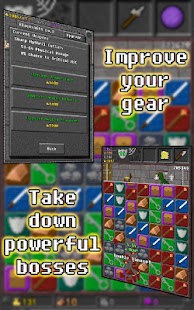
If Candy Crush's plot isn't enough to hold your attention, 10000000 might meet your narrative needs. As you slide lines to create combos, your character avoids obstacles, unlocks treasure chests and fights monsters. It’s a puzzle game and dungeon crawler all wrapped up in one.

It is available in both the Apple App and Google Play stores. 


Color Zen

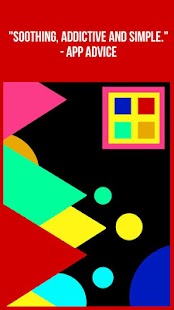
If you’re looking for a more relaxed and tranquil puzzle game, look no further than Color Zen. The game invites players to sit back, enjoy some calming music, and tap colored shapes together to make them explode across the screen. With bright colors and classic designs, this game proves that simplicity is beauty.


It is available in both the Apple App and Google Play stores. 

 Puzzle and Dragons

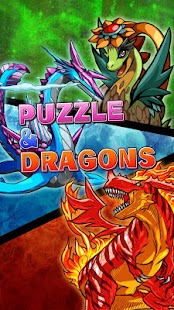
A mix of the puzzle and RPG genres, Puzzle and Dragons lets you fight mythical monsters by matching rows of colorful orbs. You can collect monsters, form a team and even raise baby dragons to go to battle as you play. With fantastic art design and challenging gameplay, what’s not to love about this app?

It is available in both the Apple App and Google Play stores. 

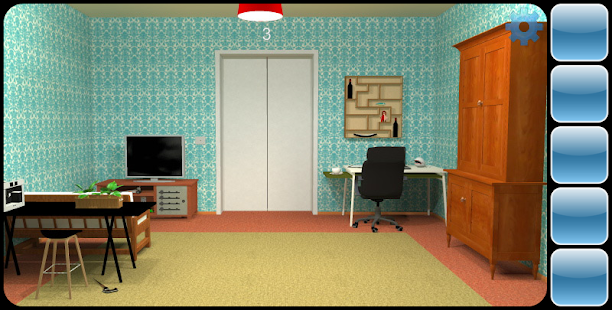
Can You Escape


The premise is simple: you must attempt to escape the room you’re placed in. With clues, keys, and puzzles littered around the 3D area, the goal is to find all the necessary items to break out of your fully furnished prison and head to the next one. Can You Escape is sure to sharpen your puzzling-solving skills, just don't try and use them to escape from buildings in real life.

It is available in both the Apple App and Google Play stores. 

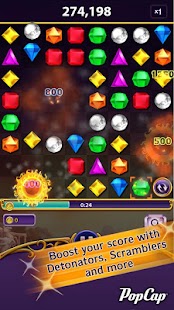
  Bejeweled Blitz


The classic Bejeweled was one of the first games to use the match three style to take the Internet by storm, so it’s no surprise one of its many offshoots is worthy to download. Much like Candy Crush, you can link the game to your Facebook and challenge your friends or play offline to beat your own personal best.

It is available in both the Apple App and Google Play stores. 


Have a favorite game that didn't make the list? Leave recommendations for fun and addicting smartphone games in the comments below.


more »

Tuesday, 17 September 2013

Blackberry Messenger for Android and iOS to Launch on September 18th?


For a while now, speculations have been circulating about launching the much-awaited Blackberry Messenger (BBM) apps for Android and for iOS. Many rumors have pointed out that a version will hit the respective App Stores by the end of September. This date range could be accurate, as the application was submitted in iTunes Store a few weeks back

We’ve also reported that Blackberry scheduled an event on September 18th in Malaysia, where the applications may be announced. Also, at first it was thought that the event was taking place in Malaysia only, but Blackberry has since distributed additional invites for events on the same day in India and France as well.
Blackberry Messenger is a messaging application that is exclusively available on Blackberry devices, though versions for other platforms were announced earlier this year, without an official ETA. Blackberry for Android is already available for beta testers in Blackberry Beta Zone, and we’ve seen a Blackberry executive who shared some insights about the expected launch of BBM at a launch event in India – the end of September.
Will we see BBM for other operating systems on September 18th? Or is it the rumored Blackberry Z30? We’ll find out soon.
more »

Google aquires Bump app


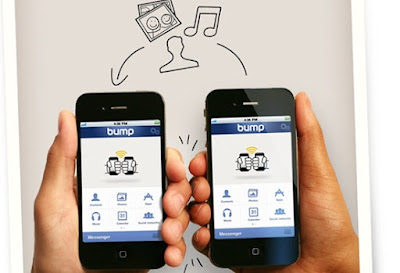
Google has bought ne'er-do-well mobile app Bump in a bizarre move worth $40m.Bump The File Sharing app is similar with bluetooth and GPS.

The concept seemed sound enough - bump two phones together to pass data from one phone to another. Sound familiar? It should, because it's the same concept behind near field communications (NFC) in mobile handsets. However, the forerunner of NFC technology used by Bump works on a mixture of Bluetooth and GPS, meaning that best results are achieved if the following criteria are met:
  1. Both parties have the app and have it configured.
  2. Both parties have Bluetooth on, or better still have previously paired handsets.
  3. Both parties have GPS on and clear line of sight to GPS satellites.
  4. The wind is blowing the right way.
  5. There is an "R" in the month.
 

 That wasn't surprising, as despite attracting corporate investment Bump never really caught on, meaning that finding another Bump user at the appropriate time was nearly impossible.
So what does Google plan to do with the Bump technology? Well, nothing initially, and service is expected to carry on as usual for the moment.
Clues might be found in the blog post announcement of Google's acquisition from Bump co-founder and MD David Lieb, who said, "We strive to create experiences that feel like magic, enabled behind the scene with innovations in math, data processing, and algorithms." Or then again, maybe not.
more »

Monday, 16 September 2013

Android 4.4,Next Nexus Might come in Oct 14 Event


nexus 5 render 2

Google is ready for their 2013 "Big" event in October which features Android 4.4 KitKat, next-generation Nexus 5 and expanded Chrome OS.

Android 4.4 KitKat
October 14 is the speculated official release date of Android 4.4 KitKat - major Android software upgrade - which will optimise all Android phones and tablets, old and new models alike. Google and Nestle made an agreement that will define Android 4.4 integrity similar to KitKat chocolate bars which are sweet, smooth, beautiful and addictive. Here are features pointed out by their Web site which includes:
-          Updated, refreshed and revamped user interface 
  Enhancement of the battery life
Wider global coverage among network carriers and network modes
-          Optimisation among old Android phones and tablets
-          Lightweight system and better performance
Meanwhile, here are some features collected by sources:
-          Firmware available for older phones
-          Fragmentation changes via screen re-sizing
-          Miracast updates
-          New Gallery Visualisation
-          New APIs regarding animations
-          Palette colour themes instead of the default blue Android
-          New Notifications Widgets
Android fans can expect add-ons from Android Jelly Bean such as Google Now, Project Butter, Actionable Notifications, Quick Settings, Bluetooth Smart, OpenGL ES 3.0, Daydream and more.

Next-Generation Nexus Smartphone
Thin body, narrow bezel, latest OS and upgrade camera technology are just some of what the Nexus  will offer consumers soon. The next-generation Nexus smartphone is also expected to be released on October 14, 2013 - same time with Android 4.4. It would be the first to run the latest major Android version which will be pushed later on to other Nexus owners before the year ends.
LG is probably the chosen manufacturer after the success of Nexus 4 and will impart similar G2 designs on Next Nexus . Some of the technical features include:
-          Android 4.4 KitKat OS version
-          5.0 inches of screen display with full HD resolution
-          2.3 GHz quad-core Qualcomm Snapdragon 800 processor
-          2 GB of RAM
-          13 MP camera with Optical Image Stabilisation
-          LTE connectivity
-          Bluetooth Smart aka Low Energy
-          2300 mAh battery unit
more »

Friday, 13 September 2013

Chirp a smartphone app now on Android !


Chirp, the clever app that lets you share pictures and more using ‘digital birdsong’, hits Android 


Chirp, an app that lets you share links and photos using short bursts of  ”digital birdsong”, has launched on Android.


Rather than sending pictures via messages, emails, social networks or storage services like Dropbox, Chirp lets you send links to webpages, pictures and other content to multiple people at once, provided they also have the Chirp app installed and open.
Interestingly, it also means that Chirp can receive data via sound too from almost any source, like a PA system, for example.
To mark the release, Chirp has partnered with Topshop for London Fashion Week and will be revealing exclusive images ‘Chirped’ from speakers hung in the trees of Regents Park for VIP guests at Topshop’s fashion show.
more »

Tuesday, 10 September 2013

Android 4.4 Kit Kat: 10 features we want to see in it


Google Announced the next version of the Android to be Android 4.4 KitKat .We are expecting to come with a lots of enhaced feature in it.

10. Improved security
Despite its popularity, security is still a core problem for the Android platform. This is primarily down to the Google Play store being a infiltrated with apps containing malware malware, but isn’t the only cause.
Most recently, Bluebox Security discovered a “Master Key” flaw, which means that 99 per cent of devices vulnerable (900 million) can be hacked. A patch is being rolled out as we speak, it’s another major sign that Google needs to do more to ensure its devices are safer.

9. Performance profiles
We would like to see Google step up and offer a variety of modes built into Android, especially for its Nexus range. These will allow the user to save battery overnight, turn up performance when carrying using the device for gaming/multimedia and settings for in between.

8. Visual voicemail 

A native app would be useful to people who are frequently in meetings as they can quickly check whether a voicemail they have received is urgent.

7. Ability to turn off OEM skins on any device

 It would be good if Google built-in a master switch into Android, giving users the choice to switch off these OEM skins without having to root devices. 


6.Find my Droid

With the firm’s extensive mapping service, and GPS included into handset, it shouldn’t be too much of a stretch for Google to build this functionality into the heart of the OS.

5.Revamped messaging 

This is the feature which has been talked about extensively, due to information leaking. It will be interesting to see to how Google goes about tackling messaging in a world where apps such as Whatsapp dominate.

4.Offline maps and better control over location settings

Google already offers comprehensive guidance through its Maps and Navigation apps, but it does crunch through battery when in use.This feature would be welcome on Android so you don’t have all your apps sending off data. Of course it would help to save battery life too.

3.Improved battery life and performance
There are whispers that Google will upgrade the framework of Android to the Linux 3.8 Kernel. What does this mean for regular users? 
In short, such an upgrade should make Android less memory hungry. Devices should become more efficient as they gobble up less RAM for tasks and inturn this should result in improved battery life.

2. Enhanced multitasking

Android has been at the forefront of mobile computing when it comes to features such as multitasking. Users are able to run multiple apps at the same time and flick between them.It would be great to see Google take the initiative and make a multitasking feature like this standard across all high-end handsets.


1.Complete Android backup

Although it is possible to sync key features such as contacts and apps with a Gmail account – a full blown native backup is lacking from Android handsets.we hope Google will introduce something similar to this with Android KitKat.

more »

Unordered List

© 2013 Limit Less. WP Theme-junkie converted by BloggerTheme9
Powered by Blogger - Back to top