Latest Posts

Thursday, 26 September 2013

Bug in Gtalk And hangouts


Google's Hangouts/GTalk messaging system is currently experiencing a glitch where messages are being incorrectly delivered to unintended recipients.
Several users have found that since around 4pm  this afternoon, messages sent over Google Hangouts and GTalk have been sent erroneously to the wrong recipients.
There appears to be no pattern to who is receiving the messages by mistake, or who the glitch affects.

including those that have not yet switched over to Google's new Hangouts platform. Messages appear to be visible on the mobile version of Hangouts. There is no indication that the messages are being received by a third party.
more »

Wednesday, 25 September 2013

5 Apps you dont want to miss!

The Latest edition of android apps that must be intalled!

Quickoffice

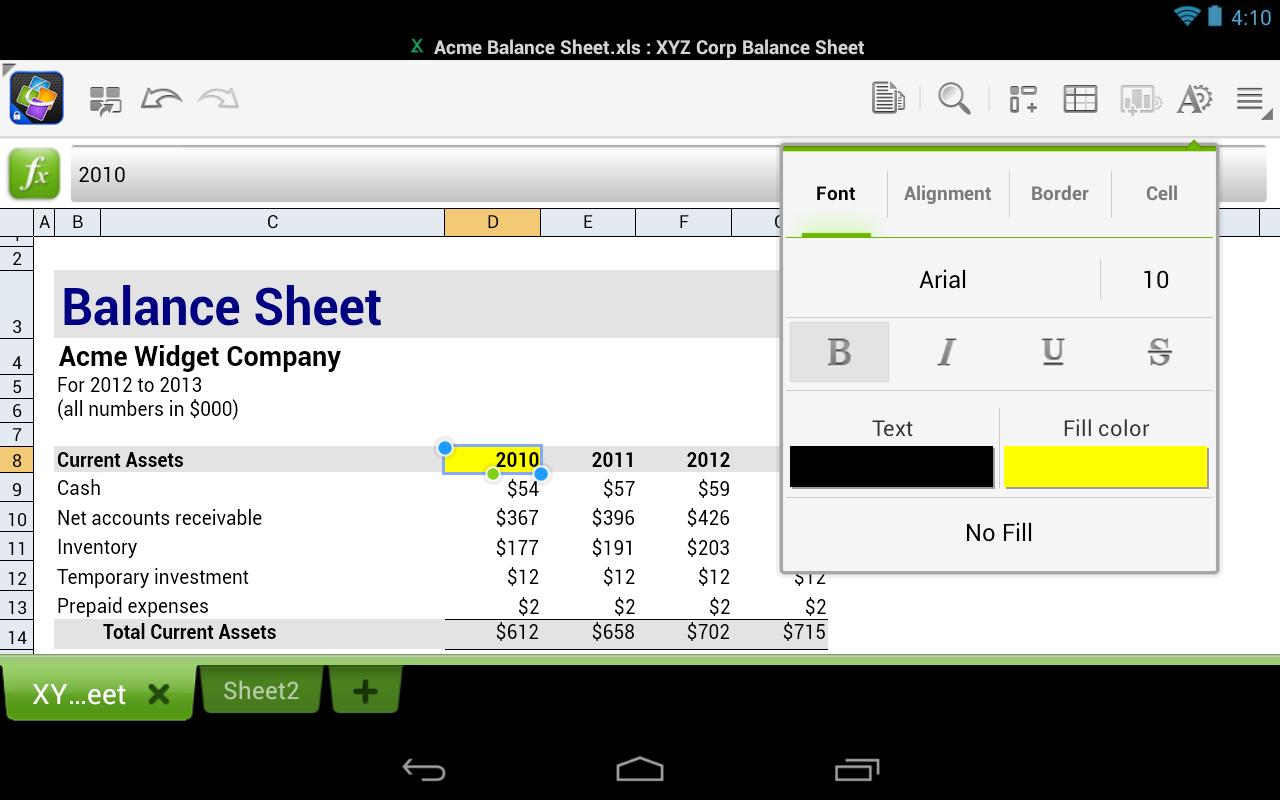
Google made Quickoffice free for iOS and Android this week. The app lets you create and edit Microsoft Office documents, spreadsheets and presentations on your mobile device. Work can also be saved in Google Drive.


Cloudy With a Chance of Meatballs 2

This week, PlayFirst, in cooperation with Sony Pictures Consumer Products, announced the mobile game for Cloudy With a Chance of Meatballs 2, an addictive arcade game featuring characters from the film. Best described as a cross between Candy Crush and Bejeweled, the object of the game is to select groups of three of more foodimals on the screen as fast as you can. Each round of the game is 60 seconds in length and comes with its own unique obstacle. 


Pandora® internet radio

Pandora is free, personalized radio that plays music and comedy you'll love. Just start with the name of one of your favorite artists, songs, comedians, or composers and Pandora will create a custom station that plays similar tracks. Pandora features hundreds of music and comedy genre stations ranging from Dubstep to Smooth Jazz to Power Workout.


Chrome

The newest version of the app ties together the browser and other Google apps on your device. So if you’re signed into Chrome, you can sign into other Google apps simply by specifying which Google account you'd like to sign in with — rather than entering your username and password information again. Also, links in Chrome now open directly in Google Maps, Gmail, Drive and YouTube. 


Madden 25

This week also saw the arrival of Madden 25 for Android. Optimized for Android tablets, the game lets you build your ultimate team and compete in NFL-style football games on your favorite Android device.


Think we left one off the list? Tell us about your favorite apps from the week in the comments.

more »

How to create a list of your Android apps?


Having a list of the apps on your Android device can be helpful at times, for yourself and for others. Maybe you're setting up a new device and can't remember all the apps you've installed or someone you know has asked you for app recommendations for their new Android phone. You could go directly to your list of apps on Google Play, but that list can contain apps you've downloaded, then uninstalled.


"A list of your Android apps can be a helpful reference. With List My Apps, you can easily create a list and share it with others. "

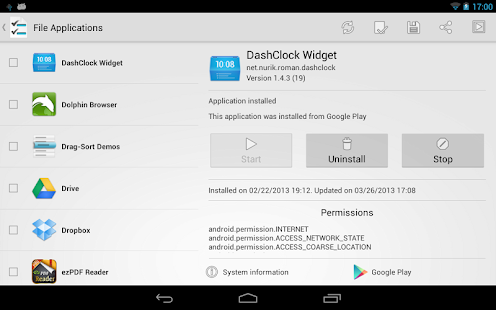
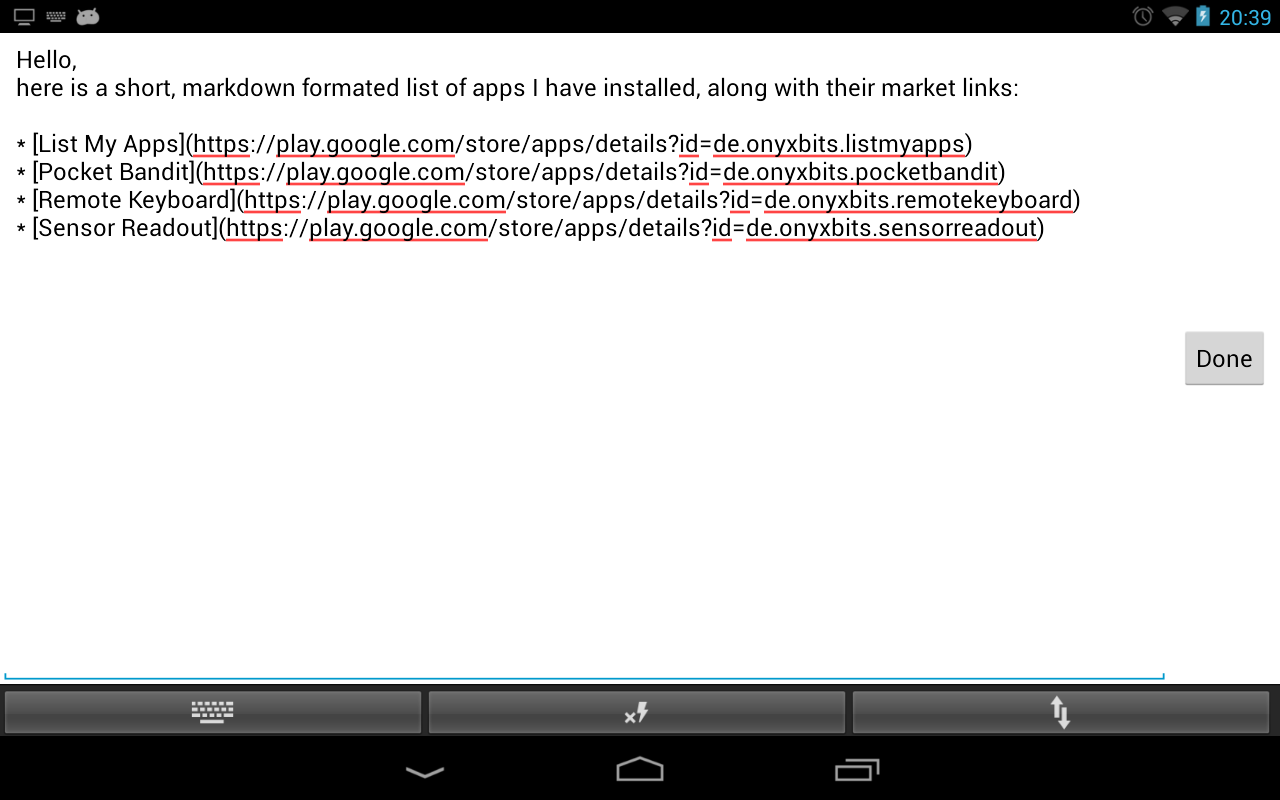
To get a current list of apps installed on your Android device, use a new app called List My Apps. When you launch List My Apps, it automatically gathers a list of the apps installed on your Android device. As GHacks notes, List My Apps only lists the apps you've installed, not the system apps that came preinstalled. To create your list, select the apps you want to include, then choose whether you want to copy the list as plain text, HTML, BBCode, or as a Markdown list. The last three options all include direct links to the apps in the Google Play store.

List My Apps for Android

 When you're ready to copy your list to the clipboard, tap on the clipboard icon at the top, then paste it to an e-mail, Evernote, or some other app you prefer to use. You can also tap on the share icon if you want to share it on social media.

If you don't want to select every app on the list individually, tap the menu key to bring up the "select all" and "deselect all" options.


more »

Tuesday, 24 September 2013

Happy Birthday Android !


If you were to randomly wake me up one day and tell me that today is Android’s (and the T-Mobile G1 that held the honors of being the very first Android device) 5th birthday. Has it really only been 5 years?
 A lot has changed, folks, and Android is no longer an infant.
It’s grown into a fine, stable and beautiful mobile operating system that is used to power not just phones, but tablets, set-top boxes, watches, televisions, cars, cameras, home appliances and more. It’s everywhere and on everything, and it came that far in just 5 years.
We’re not sure if Android could have ever grown into the powerhouse it is today without Google, the company that took a chance on Andy Rubin’s big dream. While the original godfather of Android is no longer with that particular team, we’ll never forget his contribution to the mobile world.
Android is still striving without Rubin, though. It’s because of its maturation that Rubin was finally able to let go of the reigns and let the awesome team that has been built around Android continue the movement. It started with one device, and now has been activated on more than a billion worldwide (and that number is growing every single day). Here’s to many, many more.

One billion activated phones since then, and Android is a completely different—and damned mature—animal. From its humble beginnings on an OK phone, Android has branched out to cameras, watches, even refrigerators. And there's no end in sight. 
more »

Monday, 23 September 2013

Leaked Images of Android 4.4 Kitkat


Many smartphone users are eagerly awaiting the next version of Google's Android OS officially called KitKat. Since the company announced Android 4.4 KitKat, there have been speculations on the features and the UI that the new OS will bring in. Now, has leaked images which it claims provide first look of the new OS.


 The alleged screenshots provided by a user show a revamped phone dialer and messaging apps on KitKat. The phone dialler appears to sport a lighter colour scheme in comparison to the dark one in Jelly Bean. There is also a new keyboard design and the status bar too seems to have lighter colour scheme for the icons, which seems to be varying depending on the application that is in use that time.

The messaging app too seems to have undergone a change with the icon on the main menu resembling a Google+ icon. The main app has seen its controls get shifted to the top right instead of the bottom setup that is there in the current Android version.

Tech junkies are speculating that there will be significant changes in the 4.4 version. However, the alleged screenshots don't show any functionality changes.


Android 4.4 Kitkat is expected to be released in October along with Nexus 5. Rumours also suggest that the updated version of Nexus 10 too would sport the new OS.
 
more »

Friday, 20 September 2013

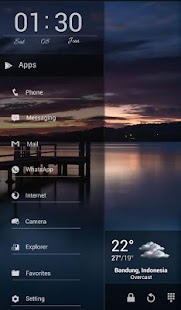
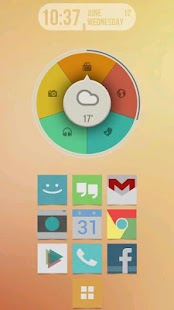
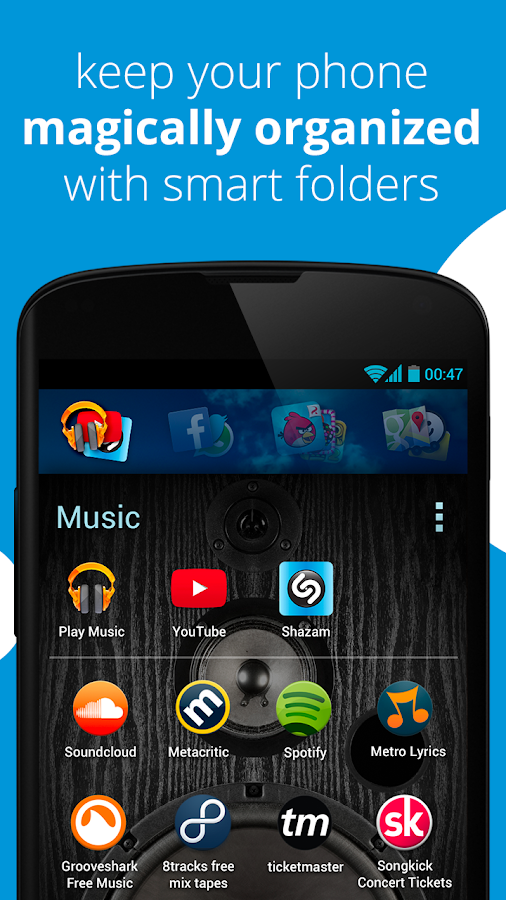
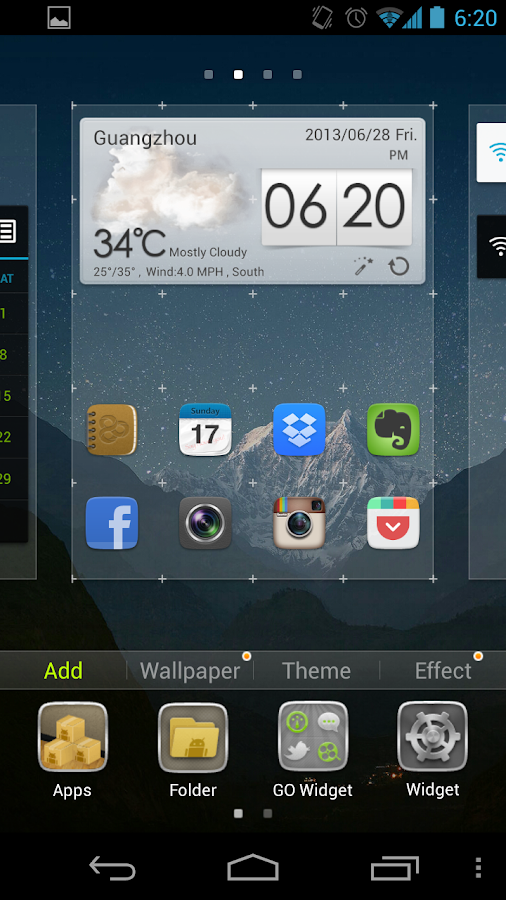
Top 5 free Android Home Screen launchers


week’s top 5 Free Android launchers are:
if you are unfamiliar with launchers, they are third-party applications that install over your stock Android home screen to give you a different look and feel. They bring boundless customization options to the table in an effort to spice up the sometimes basé home screen.

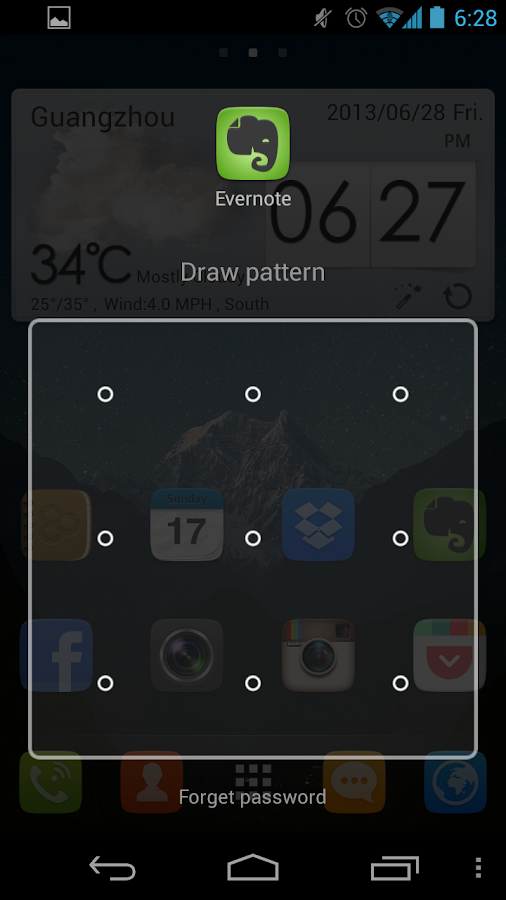
91 Launcher (free): Aside from the 91 built-in themes (hence the name) this launcher provides wallpapers, new page transitions, and quick drawer transitions. It has the typical widgets pre-installed like the clock and weather, but it also offers extended widget options like a flashlight and one-key garbage cleanup.

Buzz Launcher (free): One of the more stylish launchers on the list, Buzz Launcher’s biggest feature is the sharing, creation, and application of home screens. There are over 80,000 screens to choose from and one-touch upload for your own creations, and it is compatible with other customization apps.

Everything Home (free): Do not be put off by the fact that Everything Home is still in beta: this is the freshest new face on the block. If you type in sushi, your phone will instantly display relevant locations, apps, and themes. This same seamless adaptation applies to everything, even James Bond.


Go Launcher EX (free): This Android launcher has been around since the beginning and is currently the choice of over 100 million users. Enjoy buttery screen transitions, the 15 perfected widgets, and the over 10,000 built-in theme customization options.


Launcher 8 (free): Launcher 8 turns your Android home screen into the dynamic interface showcased on Windows-powered devices. You can add the live tiles like a Windows phone, but you can breathe life into the typical blue background by theming it woody style, or adding widgets as tiles.


more »

Quickoffice mobile app now free for everyone


Google's Quickoffice apps for iOS and Android, that let users view and edit Microsoft Office files, are now free to anyone with a Google account.


Google is trying to make it easier for everyone to work together, even those who "haven't gone Google yet."
The company on Thursday announced that its Quickoffice mobile app, for viewing and editing Microsoft Office files, is now free to anyone with a Google account. Previously, the app was only free to Google Apps for Business subscribers -- everyone else had to shell out $14.99 for the pro version or $19.99 for the pro HD version.
As a bonus, Google is offering an extra 10GB of Google Drive storage for the next two years to anyone who signs up their Google account for the new Quickoffice app by September 26.


Quickoffice for iOS and Android lets users create, view, and edit Microsoft Office Excel, Word, and PowerPoint files on their mobile devices. The app is also integrated with Google Drive so files can be stored and accessed across devices.
Google added a few new features to the app as well, including the ability to create ZIP folders and view charts in PowerPoint and Excel. Google said people already using Quickoffice for Google Apps for Business can update to the new app.
Google acquired Quickoffice in June 2012 and has been expanding its availability ever since. While the company is clearly investing resources in the software, its long-term goals still appear aimed at transitioning people to using its Web-based productivity tools.
"Converting old files to Google Docs, Sheets and Slides is still the easiest way to share and work together, and we're working every day to make the files you convert look better," Alan Warren, engineering VP of Google Drive, wrote in a blog post.

more »

Thursday, 19 September 2013

How to install apps outside of Google Play

Google has removed apps from the Play store for a number of reasons, the most common being that they violate the company's policy. Once an app is removed, however, all hope isn't lost.
 
Here's how to do it:
Setting up your device
From your smartphone or tablet running Android 4.0 or higher, go to Settings, scroll down to Security, and select Unknown sources. Selecting this option will allow you to install apps outside of the Google Play store. Depending on your device, you can also choose to be warned before installing harmful apps. This can be enabled by selecting the Verify apps option in the Security settings. 


On devices running an earlier version of Android, go to Settings, open the Applications option, select Unknown sources, and click OK on the popup alert.
Downloading an app
The next step will be finding an Android package file, also known as an APK, which is the way Android apps are distributed and installed. This is where some people usually run into trouble. Never, and I mean ever, use sideloading as a way to pirate applications; doing so will likely result in your Android device getting a virus. You should only download APK files from trusted developers and companies.
For example, Grooveshark, a free online music streaming service, previously had an app in the Play store. After a dispute with Google, however, the app was removed. Grooveshark now offers the app on its Web site for users to sideload. 

The process
You can either download the APK file on your mobile device or on your computer, although the latter is a little more difficult. To get started, download an APK file using either Google Chrome or the stock Android browser. Next, go to your app drawer and click Downloads; here you will find the file you just downloaded. Open the file and install the app. 

If you downloaded the APK file on your computer, the process is slightly different. You must connect your Android device to the PC and enable USB mass-storage mode. The next step is to drag and drop the file onto your device. Then, using a file manager, such as Astro or ES File Explorer, you can locate the file on your device and install it.

Remember to be careful when downloading apps outside of official Android marketplaces like Google Play and Amazon's Appstore.


more »

Unordered List

© 2013 Limit Less. WP Theme-junkie converted by BloggerTheme9
Powered by Blogger - Back to top